انواع كروت الشاشه 2026: دليلك الشامل لاختيار كرت الشاشة المناسب
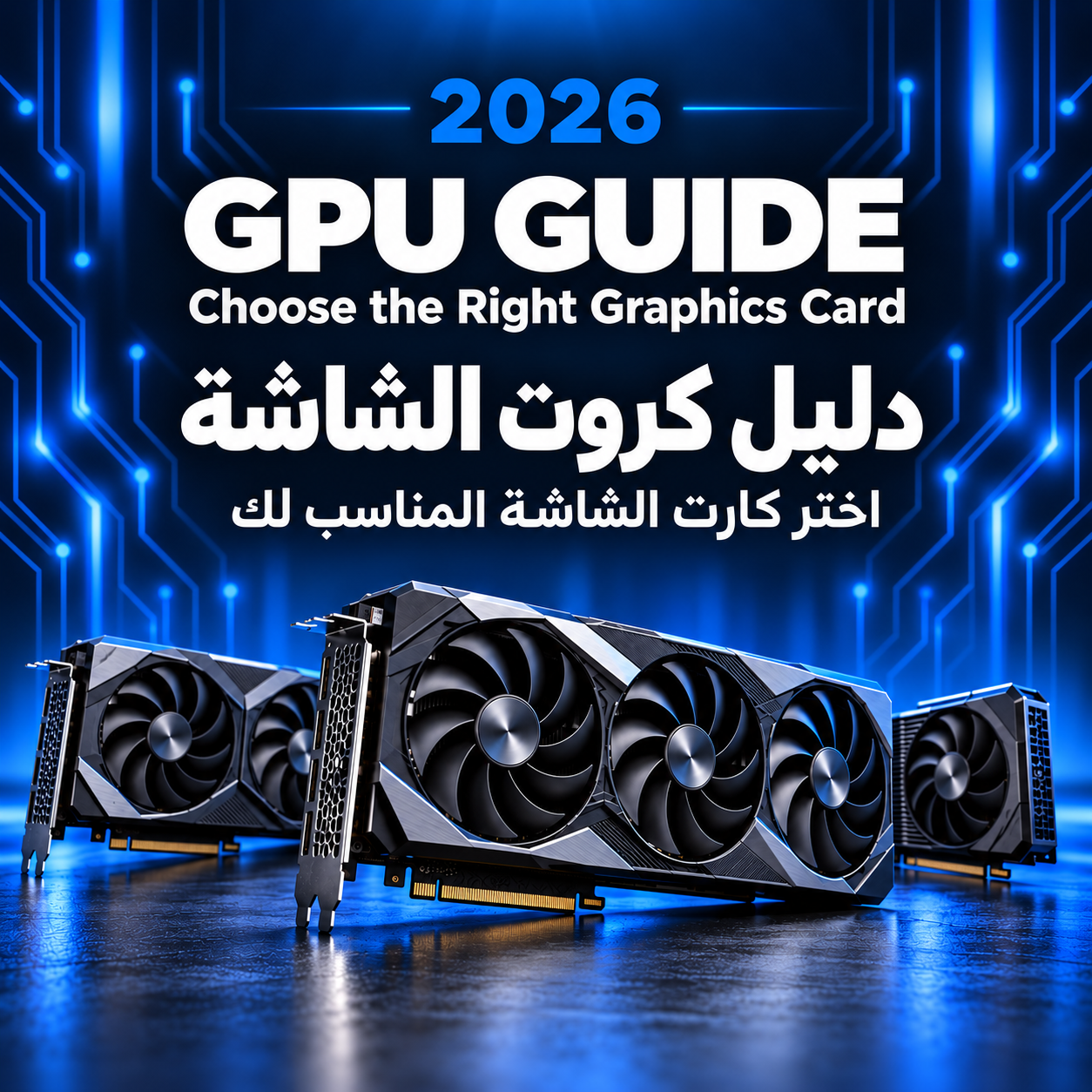

Types of graphics cards fall into two main categories: integrated cards built into the processor, which suit everyday use, and dedicated cards with their own memory, which suit gaming and design. They are also classified by manufacturer (NVIDIA, AMD, and Intel), by use case (gaming or professional), and by price tier (budget, mid-range, and high-end).
Whether you're building a new gaming PC, upgrading your current setup, or need a powerful machine for design and video editing, understanding these types is the first step toward a smart purchase. The graphics card directly determines image quality, frame rates in games, and how fast heavy graphics workloads get done.
What Is a Graphics Card and What Does It Do?
A graphics card is the component responsible for processing images and graphics and displaying them on your screen. It contains a graphics processor called a GPU, which is designed to run thousands of calculations at the same time. That's why it outperforms the main processor (CPU) in gaming, video editing, 3D design and AI applications.
Types of Graphics Cards by Form
The first and most important way to classify graphics cards is by how they sit inside the device.
Integrated GPU
An integrated GPU isn't a separate component. It's built into the processor itself, like the integrated graphics in Intel Core and AMD Ryzen CPUs. It has no dedicated memory and uses part of the system RAM instead.
Good for: browsing, studying, office work, watching videos, and very light gaming.
Not suitable for: modern games or heavy professional software.
Dedicated GPU
A dedicated GPU is a separate card installed on the motherboard through a PCIe slot. It has its own graphics processor, dedicated video memory (VRAM) and its own cooling system. This is the type you need if you're a gamer, content creator or designer.
Browse the latest dedicated graphics cards.
Laptop GPUs and External GPUs (eGPU)
Laptop GPUs are versions designed specifically for portable devices. They often carry the same name as the desktop card but deliver lower performance because of limited space, power and cooling. So an RTX 5070 laptop GPU doesn't perform like the desktop RTX 5070. They're also soldered to the motherboard and can't be replaced, so choose gaming laptops with a GPU that will meet your needs for years.
An external GPU (eGPU) is a desktop graphics card placed inside an external enclosure and connected to a laptop through a high-speed port such as Thunderbolt. It's a good solution if you want more graphics power at home while keeping your laptop light on the go.
Types of Graphics Cards by GPU Manufacturer
Only three companies make the graphics processors used in dedicated cards, and each has its own strengths.
NVIDIA GeForce
NVIDIA holds the largest share of the graphics card market. The GeForce RTX 50 series is one of its latest generations and includes cards such as the RTX 5060, RTX 5070, RTX 5080 and RTX 5090.
What sets NVIDIA cards apart:
-
DLSS: uses AI to boost frame rates while preserving image quality.
-
Strong ray tracing performance: for realistic lighting, shadows and reflections in games.
-
Excellent support for video editing, design and AI software.
AMD Radeon
AMD offers the Radeon RX 9000 series, including the RX 9060 XT and RX 9070 XT. AMD is known for excellent value for money, with generous VRAM in the mid-range.
Key advantages:
-
FSR: AMD's competing alternative to DLSS for boosting game performance.
-
Competitive pricing relative to gaming performance.
-
Excellent compatibility with FreeSync monitors.
Intel Arc
Intel entered the dedicated GPU market with its Arc series, with the Arc B580 as one of its standout cards. Intel targets the budget and mid-range segments, offering solid 1080p gaming performance at an affordable price, plus strong video encoding performance. That makes it a good choice for beginner content creators.
Types of Graphics Cards by Card Manufacturer
This is where many buyers get confused. NVIDIA, AMD and Intel make the GPU and a reference card design, and other companies then build their own versions based on it, such as ASUS, MSI, Gigabyte, Zotac, Sapphire and PowerColor.
So you might find an RTX 5070 from Gigabyte and another from ASUS, both with the same GPU. The differences come down to:
-
The cooling system and number of fans.
-
Clock speed: some versions are factory overclocked and carry the "OC" label.
-
Size, design and RGB lighting.
-
Warranty and after-sales support.
Types of Graphics Cards by Use
Gaming Graphics Cards
These are consumer cards such as GeForce RTX and Radeon RX. They're designed to deliver the highest frame rates in games, and they also handle most video editing and design work well.
Professional Graphics Cards
Cards such as NVIDIA RTX PRO and AMD Radeon PRO are built for engineers, designers and studios. They feature certified drivers for software like AutoCAD and SolidWorks, more memory, and high stability during long working hours. However, they cost much more and offer almost no advantage in gaming.
For a detailed breakdown, read our article on the difference between gaming and professional graphics cards.
Graphics Cards for Content Creation and AI
If you edit 4K video, livestream, or run AI models locally, the most important factors are VRAM capacity and software support. NVIDIA cards usually lead here, because most AI software supports NVIDIA's CUDA platform.
Types of Graphics Cards by Price Tier
Budget: 1080p Gaming
For gamers who want to run modern games at Full HD on medium to high settings.
Examples: RTX 5060, Radeon RX 9060 XT, Intel Arc B580.
Mid-Range: 1440p Gaming
The best choice for most gamers, balancing price and performance and running games smoothly at 1440p (2K).
Examples: RTX 5070, RTX 5070 Ti, Radeon RX 9070 XT.

One of the top picks in this tier is the Gigabyte GeForce RTX 5070 12GB.
High-End: 4K Gaming
For serious gamers and content creators who want maximum performance with no compromises.

Example: Zotac Gaming RTX 5080 16GB

Example: Gigabyte RTX 5080 AERO OC 16GB.
Types of Graphics Cards by Cooling and Size
The cooling system affects a card's temperature, noise level and long-term performance.
-
Single-fan cards: compact and suitable for small cases and budget cards.
-
Dual-fan cards: the most common type, balancing size and cooling.
-
Triple-fan cards: better cooling and quieter operation, usually found on powerful cards, but they need a large case.
-
Liquid-cooled cards: the best thermal performance, ideal for high-end cards and maximum-performance builds.
-
SFF cards: small form factor cards designed for compact PCs while keeping strong performance.
Types of Graphics Card Memory (VRAM)
Video memory is where the card stores textures and effects while running, and it varies by type and capacity.
By type:
-
GDDR6: used in most current AMD and Intel cards and in older NVIDIA generations.
-
GDDR7: the latest and fastest generation, used in NVIDIA RTX 50 series cards.
By capacity:
-
8GB: enough for 1080p gaming, but can be limiting in some modern games.
-
12GB to 16GB: best for 1440p gaming and video editing.
-
16GB and above: for 4K gaming, professional work and AI.
How to Read a Graphics Card Name
Graphics card names aren't random, and once you understand them you'll know a card's level from its name alone. Take the GeForce RTX 5070 Ti as an example:
-
GeForce: NVIDIA's gaming graphics card brand.
-
RTX: the card supports ray tracing and DLSS.
-
50: the generation number. A higher number means a newer generation.
-
70: the card's tier within the generation. A 60-class card sits below a 70-class card, while 80 and 90 are the top tiers.
-
Ti: a more powerful version of the same card.
Other common suffixes:
-
Super (NVIDIA): an enhanced version that sits between the standard card and the Ti version.
-
XT (AMD): a more powerful version of the standard card, such as the RX 9070 XT.
-
OC: the card manufacturer has raised the clock speed at the factory.
Important rule: the tier matters more than the generation number. A 70-class card from a previous generation can outperform a 50-class card from a newer one.
How to Choose the Right Graphics Card for Your PC
-
Match your monitor's resolution and refresh rate. A 4K graphics card makes no sense with a 1080p 60Hz monitor, so choose a card that suits the gaming monitors you have or plan to buy.
-
Check CPU compatibility. Pairing a very powerful GPU with a weak CPU creates a bottleneck, so you won't get the card's full performance.
-
Check your power supply (PSU). Every card needs a specific wattage from the power supply, listed on its official specs page. Make sure your PSU delivers the required wattage with a safety margin.
-
Make sure your case has enough space, especially for triple-fan cards.
-
Set a realistic budget. A mid-range card usually offers the best value for money for most users.
What is the difference between GTX and RTX?
GTX cards are older NVIDIA generations that don't support ray tracing or DLSS. RTX cards have dedicated cores for these technologies, which gives them better performance and image quality in modern games.
Which is better: NVIDIA or AMD?
Neither is better across the board. NVIDIA cards lead in ray tracing, DLSS and AI software support, while AMD often delivers more performance for the same price and more VRAM in the mid-range.
What does Ti mean in graphics cards?
It's a more powerful version of the same card. For example, the RTX 5070 Ti is more powerful than the standard RTX 5070.
How do I check which graphics card I have?
On Windows, open Task Manager, go to the Performance tab and select GPU. You'll find the card's name at the top of the page.
Is an integrated GPU enough for gaming?
Only for light and older games. Modern games need a dedicated graphics card.
How much VRAM do I need for gaming?
8GB is the minimum for 1080p. 12GB to 16GB is recommended for 1440p, and 16GB or more for 4K.