انواع ايباد ابل 2026: دليلك الشامل لاختيار ايباد ابل المناسب
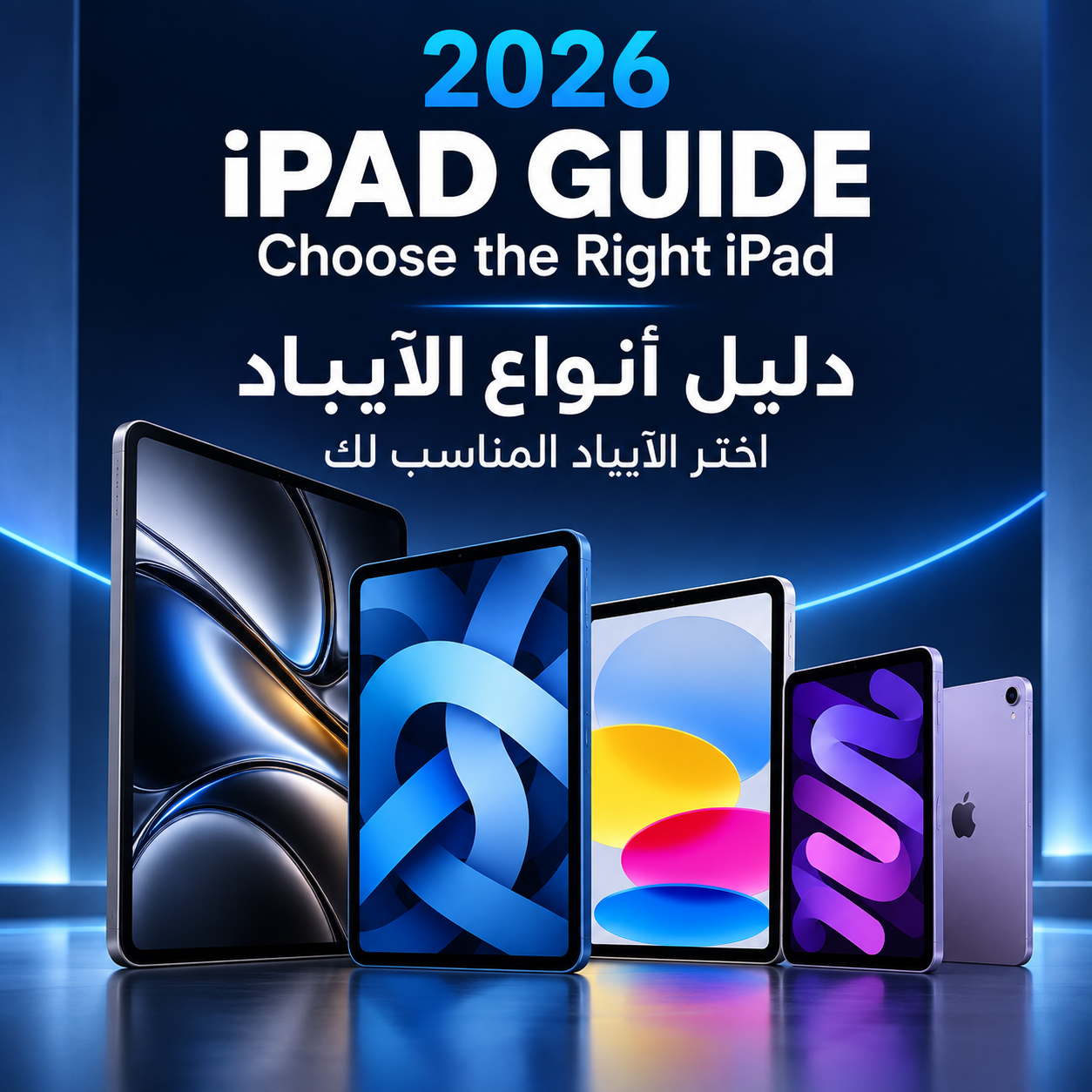

The current types of Apple iPads fall into four categories: the iPad Pro with the M5 chip, the most powerful model, built for professionals; the iPad Air with the M4 chip, the best fit for most users; the standard iPad with the A16 chip, the most affordable option; and the iPad mini with the A17 Pro chip, the smallest model with an 8.3-inch display.
Whether you're a student looking for a device for studying and note-taking, a designer who needs an accurate display and a professional stylus, or a gamer who wants a smooth gaming experience, knowing the different iPad models is the first step to choosing the right one without paying more than you need.
How Many iPad Models Does Apple Currently Offer?
Apple currently offers four main iPad lines. The iPad Pro is the most powerful and is built for professionals. The iPad Air balances performance and price. The standard iPad is the budget choice, and the iPad mini is the most compact. These four lines cover six models in total, because the Pro and Air each come in two sizes: 11-inch and 13-inch.
Apple iPad Models Explained
iPad Pro (M5)
The iPad Pro sits at the top of the iPad family and is the most powerful tablet Apple makes today. It runs on the M5 chip and features an Ultra Retina XDR display with tandem OLED technology. ProMotion raises the refresh rate up to 120Hz, so scrolling, drawing and gaming all look noticeably smoother.
Key features:
-
Laptop-level performance, with 12GB of unified memory on the 256GB and 512GB models and 16GB on the 1TB and 2TB models.
-
The thinnest design in the iPad family: the 13-inch model is just 5.1mm thick.
-
Face ID, four speakers, and a Thunderbolt port for fast transfer of large files.
-
Supports Apple Pencil Pro and the Magic Keyboard for iPad Pro.
Best for: designers, content creators, professional video editing, and gamers who want top performance.
CIT Stores carries several iPad Pro M5 configurations, including the

iPad Pro 11-inch 512GB and the iPad Pro 13-inch 256GB.
iPad Air (M4)
The iPad Air is the smartest choice for most people: it gets close to Pro performance at a much lower price. It runs on the M4 chip with 12GB of unified memory and comes with a Liquid Retina display in 11-inch and 13-inch sizes.
Key features:
-
The M4 chip's GPU supports hardware-accelerated ray tracing, which is more than enough for studying, work and modern games.
-
Touch ID built into the top button.
-
Supports Apple Pencil Pro and the Magic Keyboard for iPad Air.
-
Storage from 128GB up to 1TB.
Best for: university students, professionals, and anyone who wants a powerful device that will last for years.
Standard iPad (A16)

The standard iPad is the most affordable way into the iPad world. It has an 11-inch Liquid Retina display and the A16 chip, with storage starting at 128GB.
Key features:
-
The lowest price of any current iPad.
-
Handles browsing, studying, streaming, and light to mid-level gaming well.
-
Supports Apple Pencil (USB-C) and the Magic Keyboard Folio.
Best for: school students, families, and everyday use.
iPad mini (A17 Pro)

The iPad mini is the smallest and lightest member of the family, with an 8.3-inch display and a weight of just 293g, so it's easy to hold in one hand. Despite its size, it runs on the powerful A17 Pro chip.
Key features:
-
The ideal size for reading, commuting and travel.
-
Supports Apple Pencil Pro, which is rare for a device this small.
-
Strong gaming performance for its size.
Best for: reading, daily commutes, quick notes, and anyone who wants a small device they can take everywhere.
Latest Apple iPad Release in 2026
The iPad Air with the M4 chip is Apple's latest iPad release. It launched in 2026 in 11-inch and 13-inch sizes. The iPad Pro M5, released in 2025, is still the most powerful iPad in terms of performance and display.
We update this guide with every new Apple release, so the information stays accurate and matches what's actually available in the market.
iPad Generations: How to Tell Them Apart
Apple's New Naming System
Apple used to name the standard iPad by generation: the 9th generation, then the 10th generation. It has since changed this system and now names devices by their chip, such as iPad (A16), iPad Air (M4) and iPad Pro (M5). So what many people search for as the "iPad 11th generation" is the same device as the iPad with the A16 chip.
A simple rule: the chip name tells you how new and how powerful the device is. Within the same line, a higher chip number means a newer model.
How to Find Out Which iPad You Have
-
Open Settings, then General, then About.
-
Find Model Number and tap it to reveal a number that starts with the letter A (for example, A3354).
-
Compare this number with the model list on Apple Support's "Identify your iPad model" page.
iPad Sizes Compared
Screen size is one of the most important factors in choosing an iPad, since it determines portability and comfort. Here are the current iPad sizes (weights are for Wi-Fi models):
-
iPad mini: 8.3-inch display, 293 grams, 6.3mm thick; best for reading and commuting.
-
iPad (A16): 11-inch display, 477 grams, 7mm thick; best for studying and families.
-
iPad Air 11: 11-inch display, 464 grams, 6.1mm thick; best for everyday use and university.
-
iPad Air 13: 13-inch display, 616 grams, 6.1mm thick; best for work and multitasking.
-
iPad Pro 11: 11-inch display, 444 grams, 5.3mm thick; best for pro work with easy portability.
-
iPad Pro 13: 13-inch display, 579 grams, 5.1mm thick; best for design and video editing.
Tip: the 11-inch size is the most balanced for most users, while the 13-inch is worth choosing if you draw or work across multiple apps at once.
Comparing the Types of Apple iPads
-
Chip: M5 in the iPad Pro, M4 in the iPad Air, A16 in the standard iPad, and A17 Pro in the iPad mini.
-
Display: the iPad Pro has an Ultra Retina XDR OLED display, while all other models have a Liquid Retina display.
-
Sizes: the Pro and Air come in 11-inch and 13-inch, the standard iPad in 11-inch, and the mini in 8.3-inch.
-
Storage: the iPad Pro ranges from 256GB to 2TB, the iPad Air from 128GB to 1TB, and the standard iPad and mini from 128GB to 512GB.
-
Supported pencil: the Pro, Air, and mini support Apple Pencil Pro and Apple Pencil (USB-C), while the standard iPad supports Apple Pencil (USB-C) only.
-
Keyboard: Magic Keyboard for iPad Pro, Magic Keyboard for iPad Air, Magic Keyboard Folio for the standard iPad, and Bluetooth keyboards for the iPad mini.
-
Authentication: Face ID on the iPad Pro, and Touch ID on all other models.
-
Speakers: four on the iPad Pro, and stereo on all other models.
Important note: all current Wi-Fi + Cellular models use eSIM only and have no physical SIM tray.
Best iPad for Gaming
The iPad is now a real gaming platform. It runs titles like PUBG Mobile, Genshin Impact and Call of Duty: Mobile, plus Apple Arcade games and some major console titles. But not every iPad delivers the same gaming experience.
Why the iPad Pro Is the Best iPad for Gaming
The iPad Pro M5 outperforms every other iPad for gaming for three reasons:
-
A 10-core GPU with ray tracing for more realistic lighting and shadows in games that support it.
-
An OLED ProMotion display up to 120Hz for smoother motion and faster response, a clear advantage in shooters and racing games.
-
Four speakers that deliver immersive sound and help you pinpoint where enemies are.
If you want the ultimate iPad gaming setup, the iPad Pro 13-inch in Space Black gives you a large screen and unmatched gaming performance.

Is the iPad Air Good for Gaming?
Yes, and it's excellent. The M4 chip in the iPad Air runs modern games smoothly on high settings and also supports ray tracing. If the Pro is outside your budget, the iPad Air is the best-value gaming iPad.
Budget Gaming iPads
-
iPad mini: the A17 Pro chip is very powerful for its size, making it a great choice for gaming on the go, though the small screen is less comfortable for long sessions.
-
iPad (A16): runs light and mid-level games smoothly, but it isn't the best option for demanding games on maximum settings.
Accessories That Improve iPad Gaming
-
Game controller: the iPad supports PlayStation and Xbox controllers over Bluetooth, turning it into a complete gaming device.
-
Gaming headset: for clearer sound and better communication with your squad.
-
iPad stand: for a comfortable gaming position during long sessions.
Browse gaming accessories at CIT Stores and gaming headsets to complete your setup.
Which iPad Is Right for You?
-
For students: iPad Air 11-inch with Apple Pencil Pro. On a tighter budget, the standard iPad does the job.
-
For design and professional work: iPad Pro 13-inch for its large screen and color accuracy. The iPad Pro 13-inch 512GB is the recommended pick for enough space for design and video files.
-
For gaming: iPad Pro for top performance, or iPad Air for the best value.
-
For kids and families: the standard iPad for its affordable price and durability.
-
For reading and commuting: iPad mini for its light weight and portability.
Tips Before Buying an iPad
-
Choose your storage carefully. You can't add storage to an iPad after you buy it. If you download large games or shoot video, go for at least 256GB.
-
Decide whether you need cellular. The Wi-Fi model is enough for most users; the cellular model is useful if you're often on the move away from home.
-
Check Apple Pencil compatibility. Each iPad supports specific Pencil models, so confirm compatibility before buying one.
-
Buy from a trusted retailer to get a genuine device with an official warranty and after-sales support.
What is the most powerful iPad right now?
The iPad Pro M5 is the most powerful iPad Apple currently offers, in both performance and display quality.
What is the difference between the iPad Air and iPad Pro?
The iPad Pro has the more powerful M5 chip, an OLED ProMotion display, Face ID, four speakers and a thinner design. The iPad Air delivers strong performance with the M4 chip at a much lower price, making it the better choice for most users.
Can the standard iPad run demanding games?
Yes, but on lower settings. If gaming is your main use, the iPad Air or iPad Pro is a better choice.
What is the latest iPad?
The latest release is the iPad Air M4, launched in 2026.
Which iPad is best for studying with a pencil?
The iPad Air 11-inch with Apple Pencil Pro is the most balanced choice for studying. The standard iPad with Apple Pencil (USB-C) is the most affordable option.
Does the iPad support game controllers?
Yes. The iPad supports PlayStation and Xbox controllers over Bluetooth, as well as controllers designed specifically for tablets.